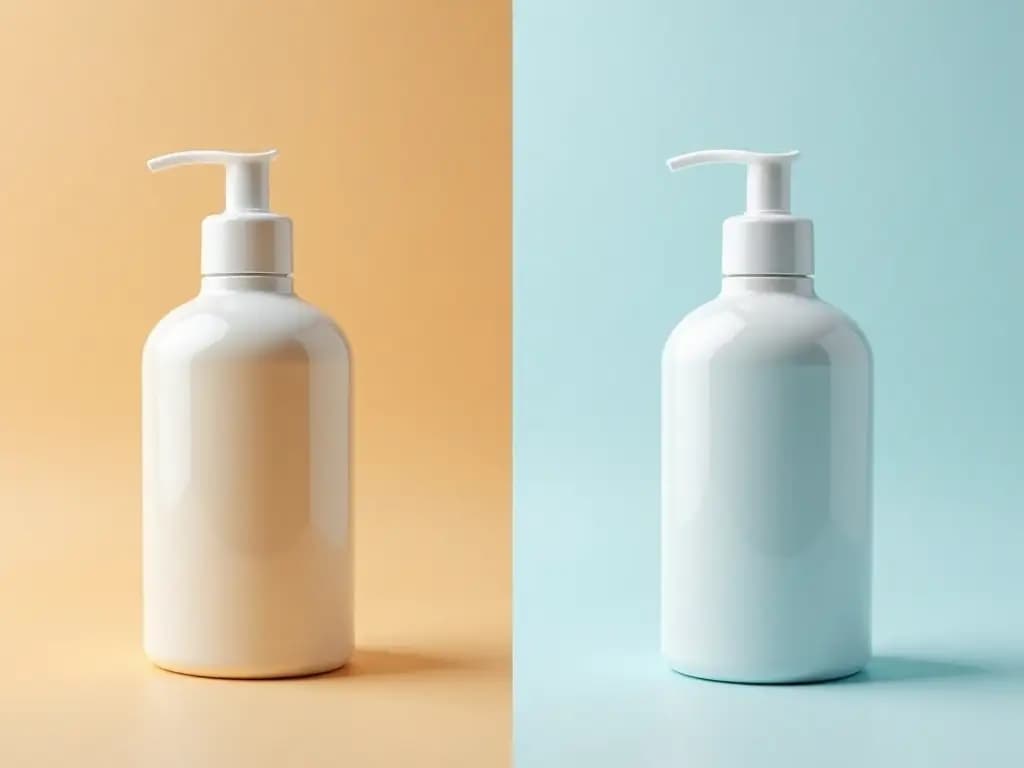
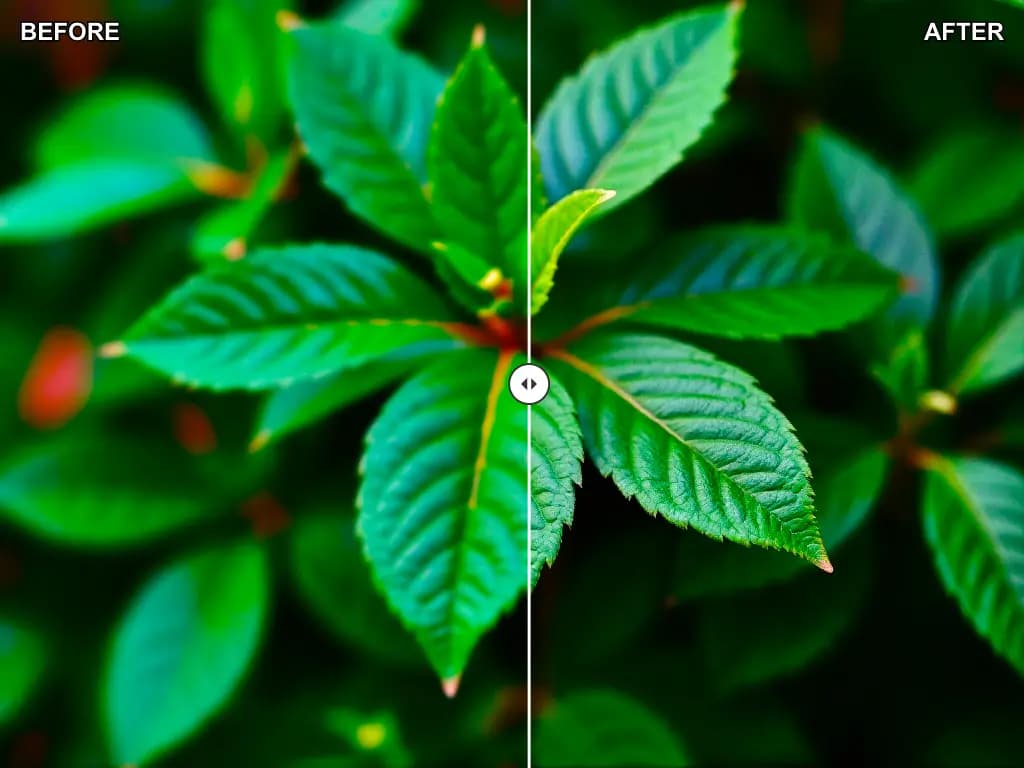
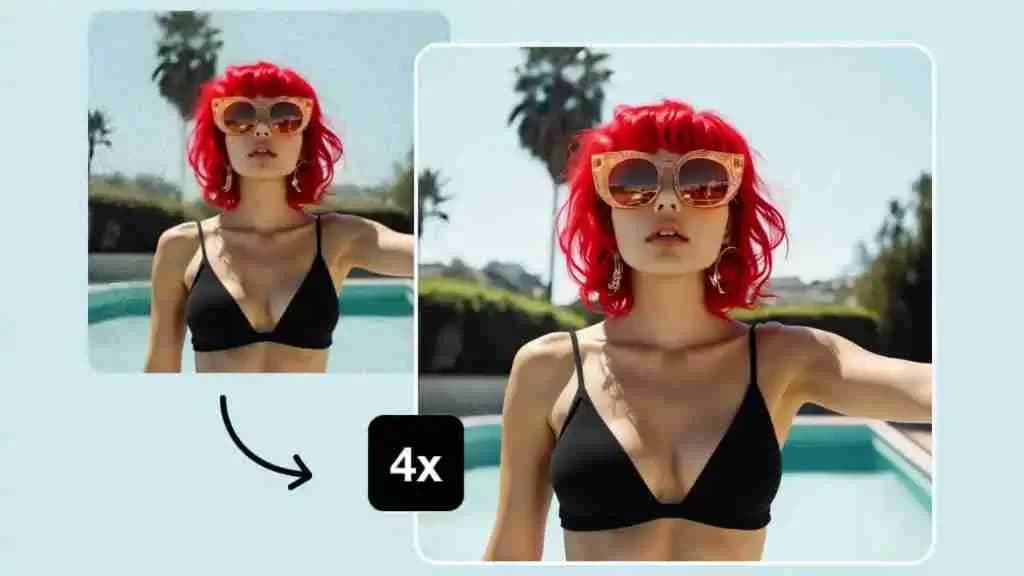
Transform any image with AI. Remove backgrounds, enhance quality, change styles, and apply 100+ professional effects instantly.
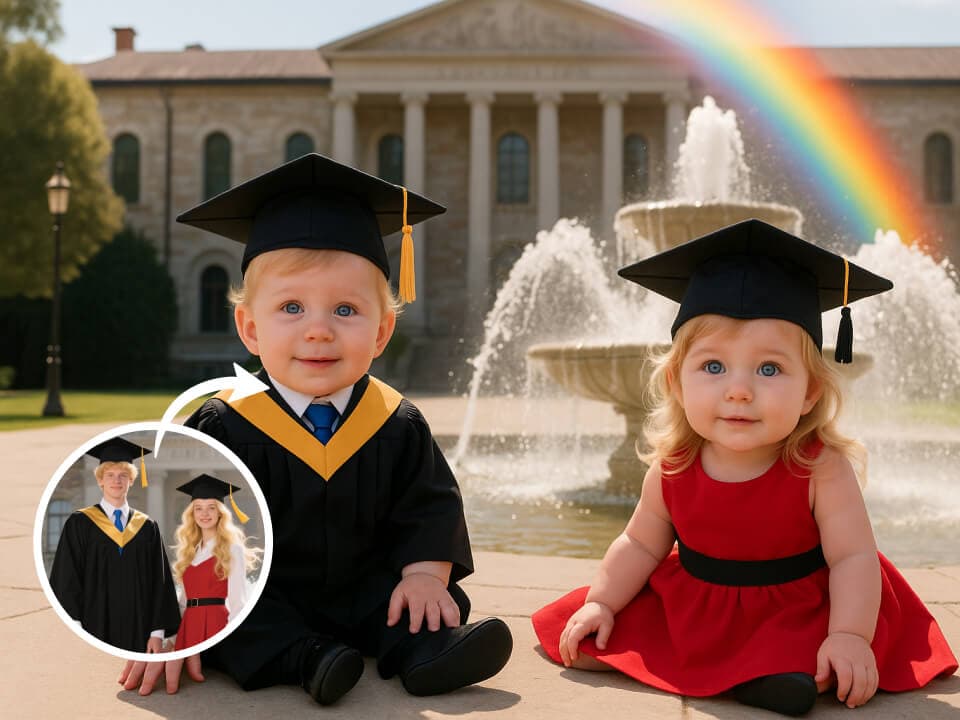
Image to Image AI is an all-in-one AI image platform for turning prompts or existing photos into polished creative assets without a slow traditional editing workflow.
Start with a text prompt when you need a campaign draft, social graphic, concept image, or product scene quickly. The generator helps teams move from blank page to visual direction in a few seconds.
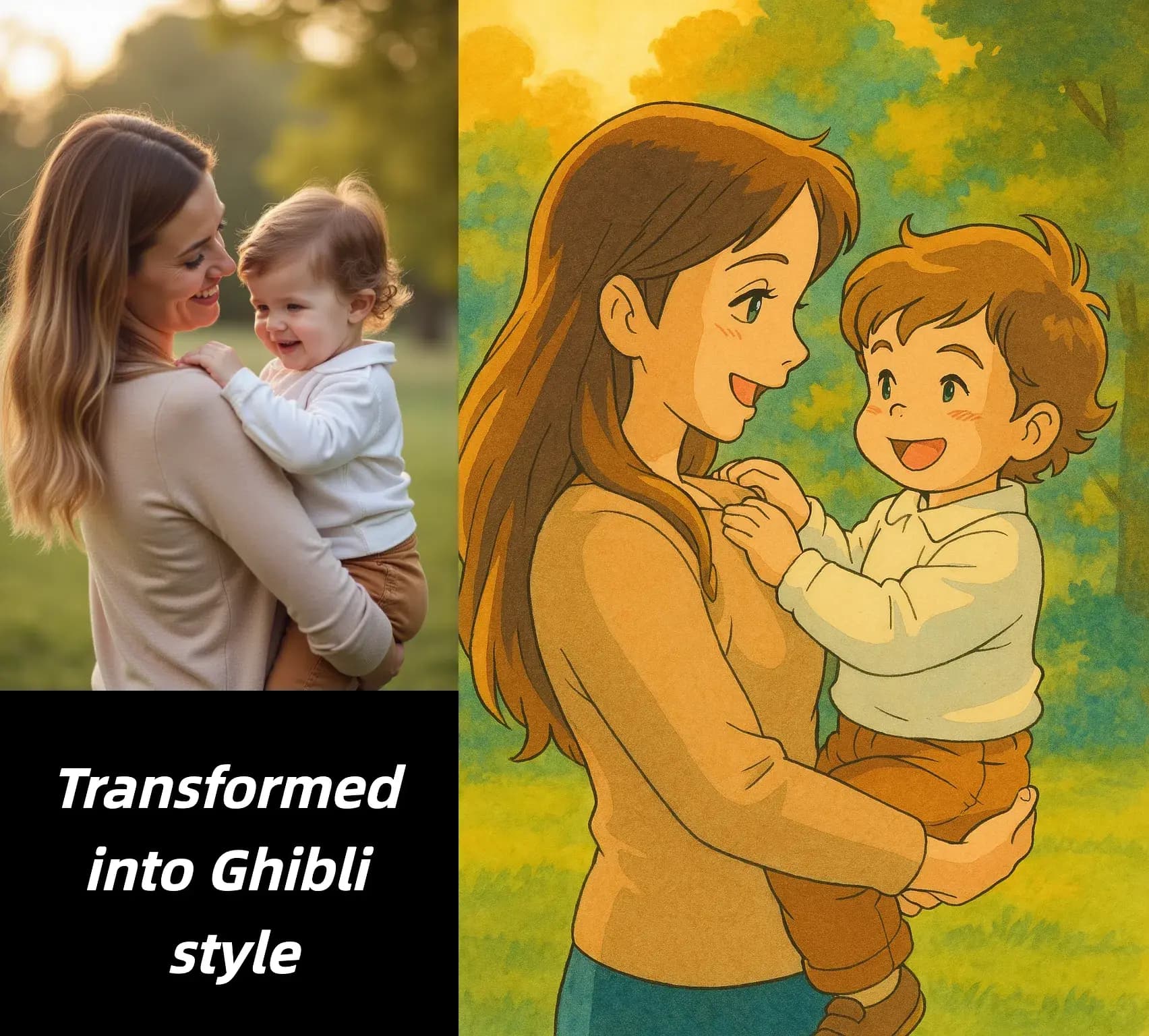
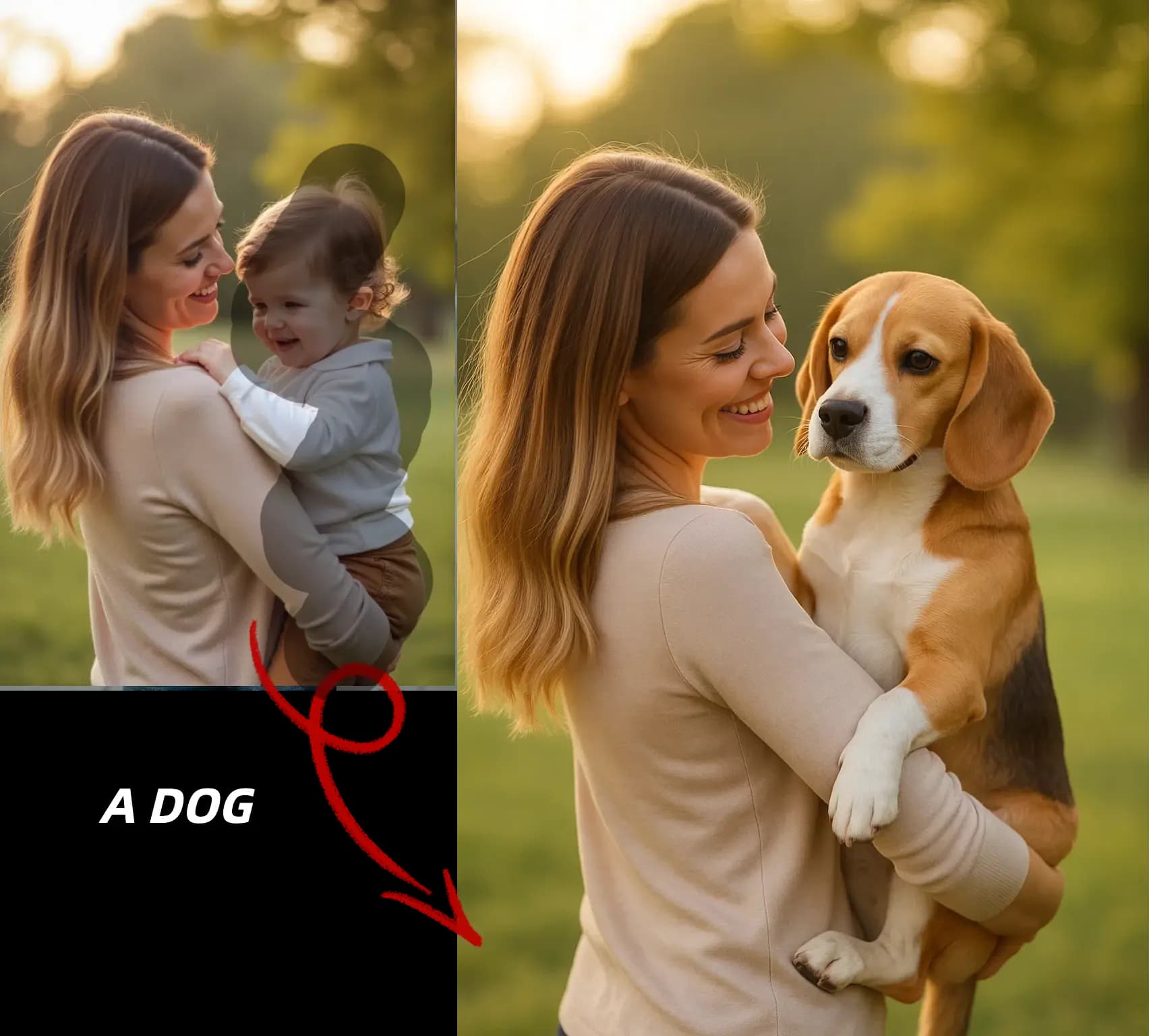
Upload an existing image when you want to remove a distraction, change the mood, swap the background, or improve detail while keeping the original composition as your starting point.
Instead of bouncing between separate tools, you can generate, edit, enhance, upscale, and export from one workspace that supports faster review cycles and cleaner handoff to production.
The platform is built for people who need faster output, clearer creative control, and more consistent results across everyday image production tasks.
Answers about generation, editing, workflows, formats, and commercial use.
Go from prompt or source photo to a polished image in three simple steps.
Choose the input that matches your goal. Use a written prompt for brand-new visuals or upload a JPG, PNG, or WebP file when you want the AI to build from an existing image.
Select the workflow that fits your task, such as image-to-image, background removal, editing, enhancement, or upscaling. Then tell the AI what should change and what should stay consistent.
Compare the output with your goal, make another pass if needed, and export the strongest version once it is ready for social, ecommerce, client delivery, or internal review.
Build first drafts, clean up real photos, and prepare higher-quality outputs from a single AI-powered image toolkit.
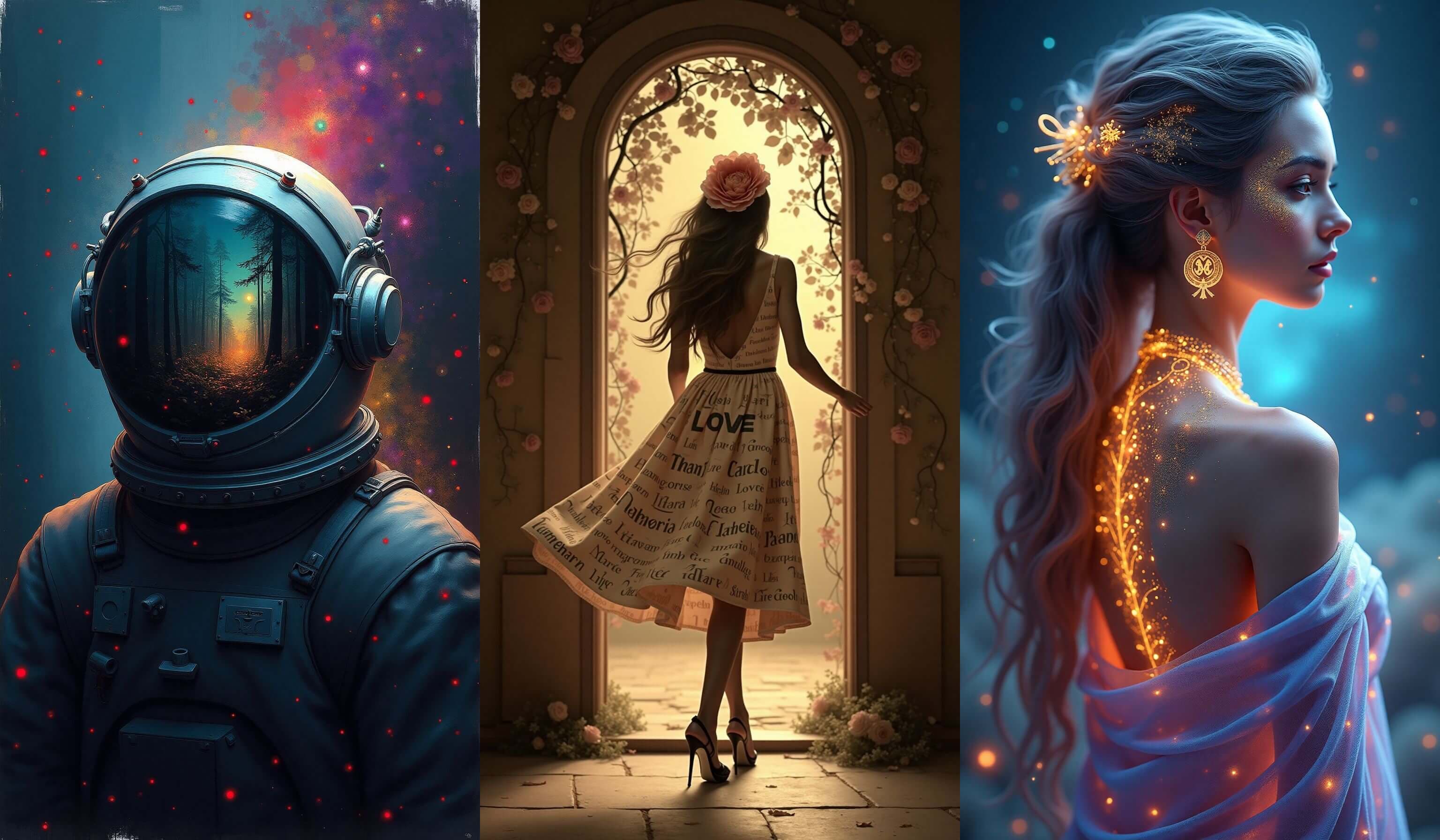
Turn prompts into new illustrations, campaign visuals, thumbnails, concept art, and branded creative directions without starting from a stock image search.
Update existing images with prompt-based edits such as object cleanup, restyling, recoloring, composition tweaks, or visual refinements that would normally take multiple manual steps.
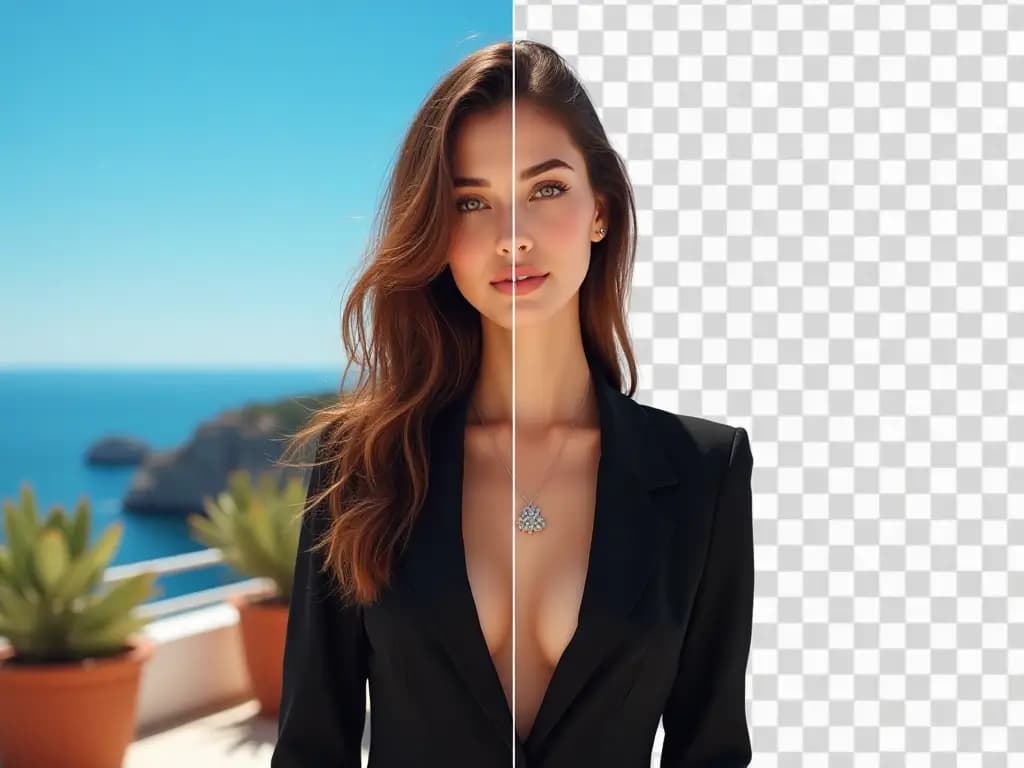
Remove backgrounds for clean cutouts or move people and products into new settings for catalog photos, ad creative, seasonal campaigns, and branded landing pages.
Improve sharpness, recover detail, and enlarge lower-resolution files so they are more usable for store pages, presentations, social publishing, and light print workflows.
Create multiple treatments from one approved image or concept so stakeholders can compare visual directions before the final asset is selected.
Generate quick drafts, approve the strongest version, and move straight into download or follow-up edits when you need usable output instead of endless experimentation.
Examples of how teams fit AI image tools into real production workflows.
We use Image to Image AI to turn one product shot into multiple ad concepts in a single afternoon. It has become our fastest way to test hooks, scenes, and visual angles before we invest in a bigger campaign build.

Sarah Chen
Performance Marketing Lead
The mix of generation, editing, and enhancement tools makes our content pipeline much easier to manage. We can draft, refine, and resize creative for several channels without chasing multiple apps or freelancers for every update.
David Rodriguez
Social Content Manager
Background removal and scene replacement save our team hours every week. We can create cleaner product cutouts, seasonal lifestyle shots, and sharper listing images much faster than our old manual process.

Emily Parker
Ecommerce Store Owner
I like that the platform is useful at more than one stage of the job. I can generate a rough visual direction, bring in a client image for edits, then enhance the approved version before final delivery.

James Wilson
Freelance Creative
For blog covers, social posts, and lead magnets, speed matters. This workflow helps me produce more visuals from the same idea while keeping the quality high enough for brand-facing content.

Lisa Anderson
Creator and Publisher
Image to Image AI is valuable because it supports the full creative loop. We can test concepts early, polish the best option quickly, and ship assets that are actually usable for landing pages, ads, and campaign reviews.

Michael Brown
Growth Marketing Director
Open the AI workspace, test your first prompt or upload, and turn rough ideas into usable image assets for marketing, ecommerce, and content production.