Upload an image or enter a prompt, then generate to create your result.
Main Image
Image to transform
Reference Image (Optional)
Optional style reference
Aspect Ratio
Prompt
Transform photos with AI image-to-image technology. Morph, stylize & recreate images while preserving structure. Professional results in seconds.
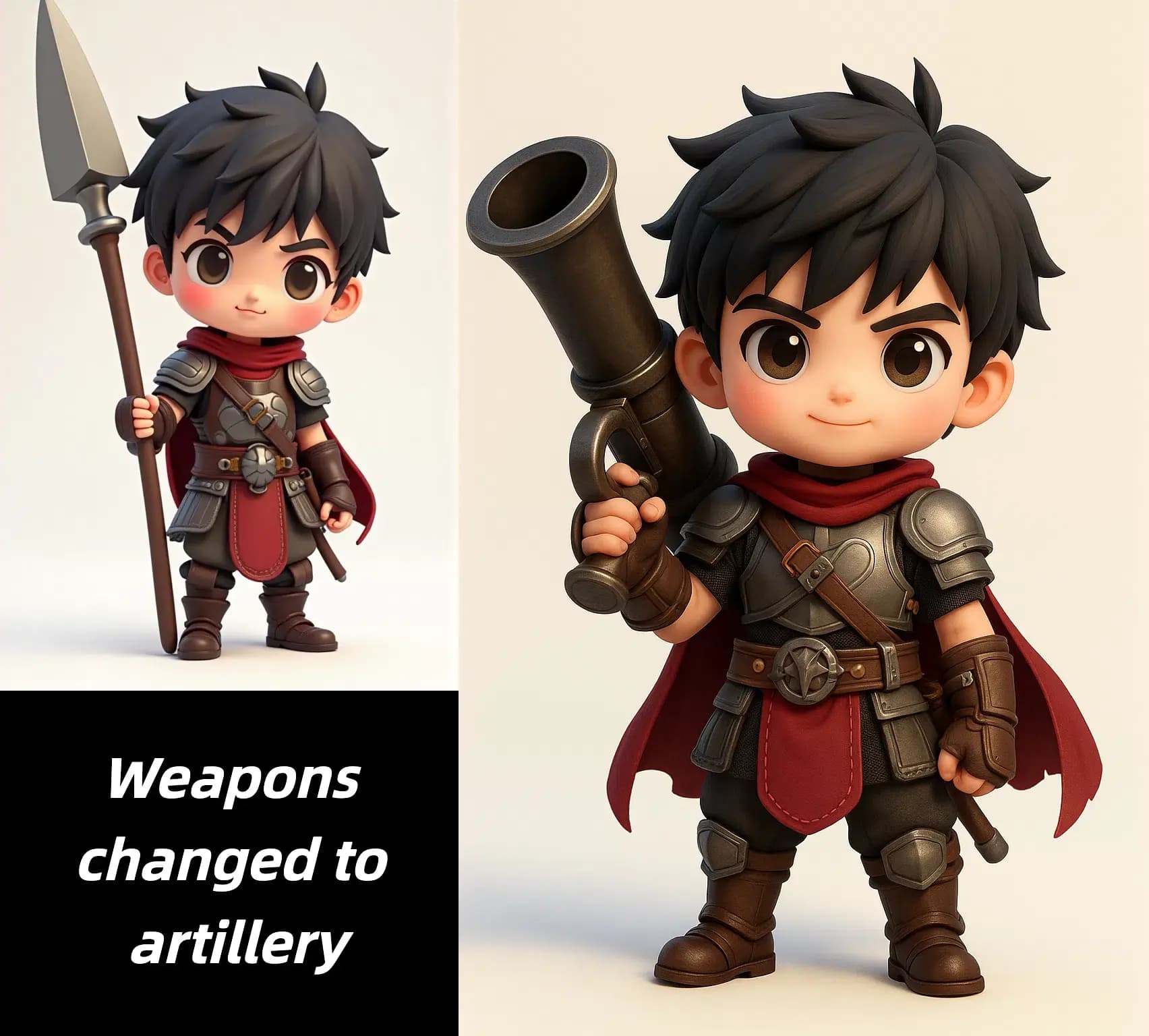
Use image-to-image when you already have a strong source photo and want new variations without rebuilding the scene from scratch.
Keep the original framing or pose, then explore a different look for campaigns, social visuals, concept boards, or branded creative experiments.
Start from an actual portrait, product shot, or concept image when you want more control than a prompt-only workflow usually provides.
Generate several treatments from the same source image so teams can compare visual directions without losing the shared reference point.
The biggest benefit is not only style change. It is the ability to experiment while a real source image keeps the visual logic grounded.
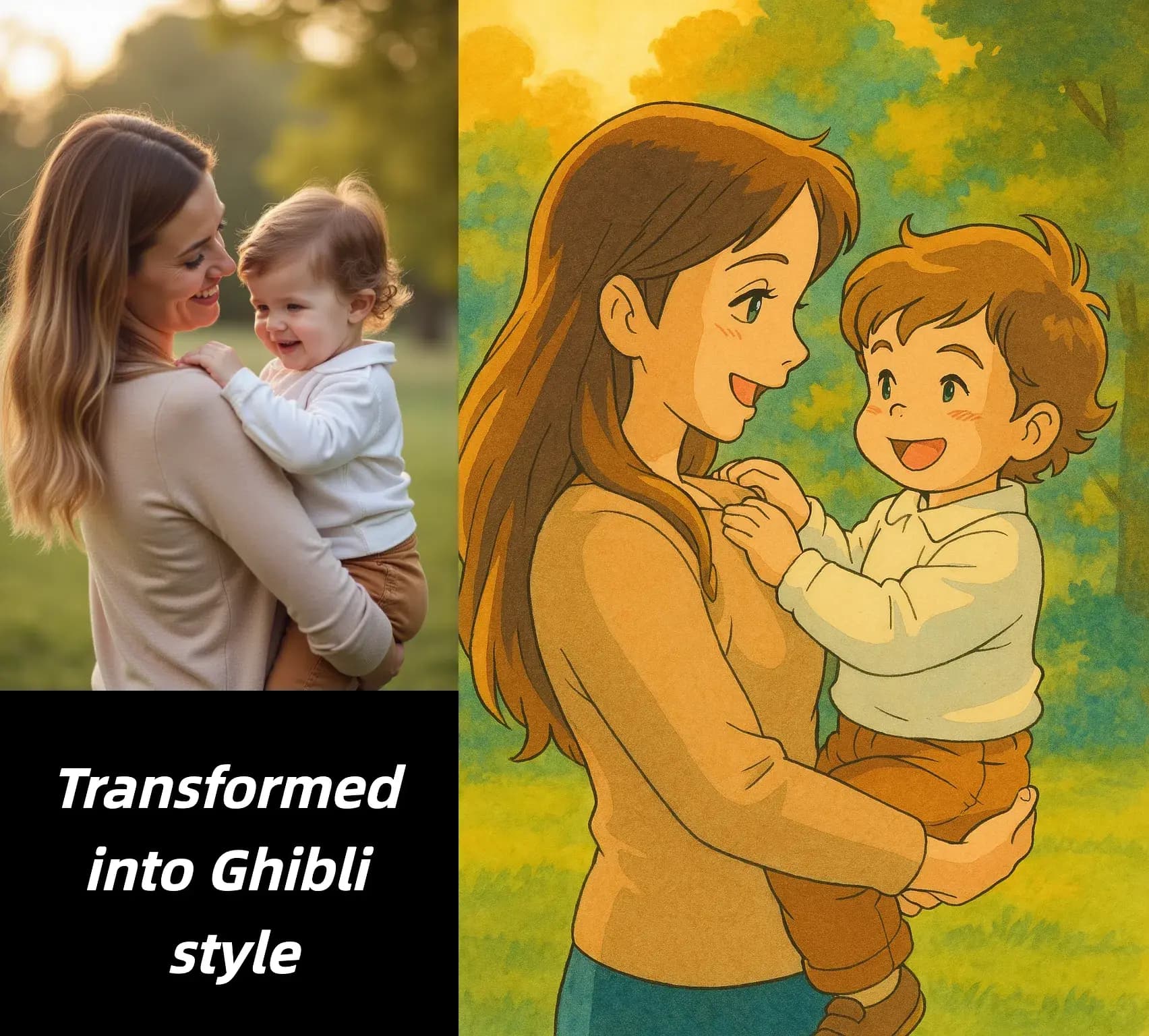
Answers about source images, structure preservation, prompt control, and follow-up editing.
Start from a clean source image, direct the change clearly, and refine only what still needs work.
Choose an image with a visible subject and enough detail for the model to preserve the important structure, pose, or framing.
Tell the AI how the image should change, whether that means a new style, setting, atmosphere, or material treatment. Clear prompts usually hold structure better.
Review the transformed image next to the source photo, keep the strongest version, and continue editing only if another refinement step is still needed.
Image to image is built for source-guided control, faster experimentation, and easy follow-up refinement.
Use an uploaded image as the structural base so the output stays closer to your original composition than a prompt-only workflow would.
Describe the exact mood, material, style, or environment shift you want without fully discarding the original image logic.
Create several directions from one source image so reviews stay anchored to the same reference and decisions become easier to compare.
Move quickly between source image, prompt update, and new version when you need several viable options during a production cycle.
After the visual direction is approved, continue with targeted editing, cleanup, enhancement, or upscaling instead of forcing every change into one step.
The workflow is especially valuable when you need to refresh existing assets and create new outputs without losing the original reference image.
Representative ways teams use source-guided AI transformations in production.
Keep the product placement from the original image while exploring new backgrounds, moods, or campaign themes for ads and landing pages.

Product scene restyling
Ecommerce workflow
Start from a real portrait and test different tones for creator kits, personal brands, campaign graphics, or profile imagery.

Portrait mood updates
Brand content
Use a rough base visual to explore alternate materials, lighting, or atmosphere without rebuilding the underlying scene design each time.

Concept art variations
Creative development
Transform a reference photo into a more stylized look for newsletter graphics, magazine concepts, or article hero images while preserving a readable subject.

Editorial reinterpretations
Publishing workflow
Generate several treatments from one approved source so clients can compare directions side by side before final production begins.

Client comparison boards
Review workflow
Reuse older visuals to produce new social, blog, or campaign assets without scheduling another shoot or recreating the same composition from zero.

Content refreshes from existing assets
Content operations
Upload a real image, guide the new direction with a prompt, and create fresh variations without losing the structure that already works.
