Open the tool that fits the job: generate from text, transform an existing image, clean backgrounds, enhance quality, or prepare assets for delivery.
10+ AI image tools: generate, edit, enhance photos instantly. Background removal, upscaling. Professional results. Try free!
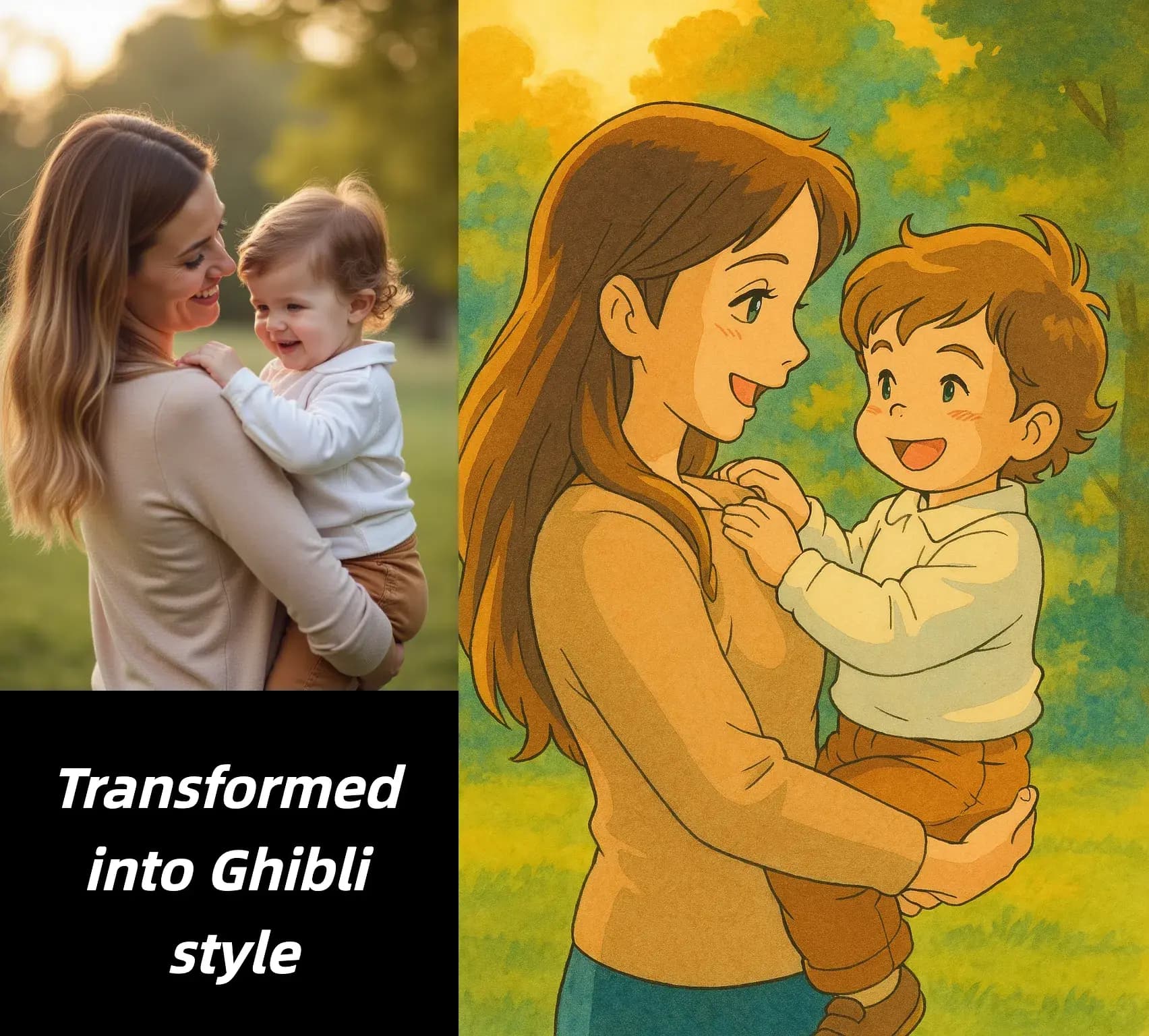
AI Image Tools brings the main image workflows into one place so you can move from draft creation to cleanup and delivery without switching platforms.
Start from a prompt when you need a fresh visual idea, or start from an existing image when you want to preserve structure and explore a new direction.
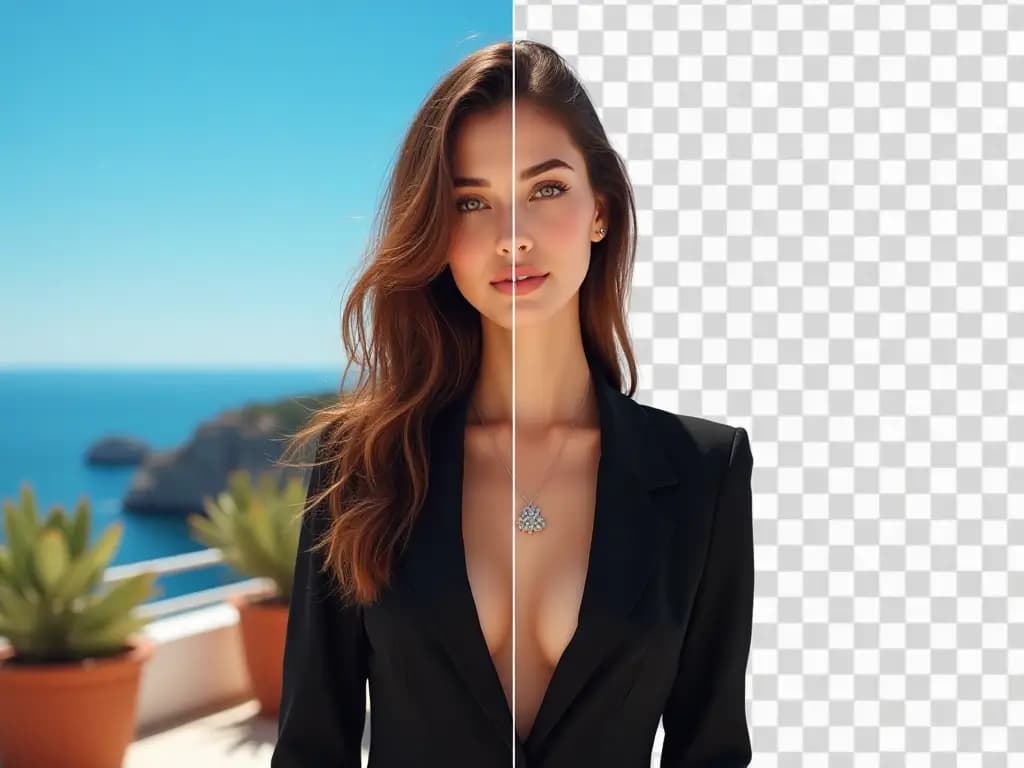
Use background, editing, and targeted transformation tools when the core composition is already right but the asset still needs production-ready adjustments.
Improve clarity, sharpen detail, and prepare outputs for publishing, product pages, social media, or presentations once the visual direction has been approved.
The value of an image toolkit is not just the number of tools. It is the ability to pick the right workflow quickly and keep moving without unnecessary handoff friction.
Practical guidance for choosing the right tool, preparing source images, and using outputs responsibly
The toolkit is designed around practical production tasks rather than one-off novelty effects.
Create first drafts from text when you need campaign ideas, concept visuals, thumbnails, or illustration starting points.
Upload an image to restyle it, preserve composition, or test alternate visual directions without rebuilding the scene from scratch.
Use the task-specific tools when you need background cleanup, object-level changes, or more controlled refinements after the first draft is approved.
Working inside a single toolkit makes it easier to review source material, output quality, and usage constraints before assets move into production.
Enhancement and upscaling workflows help prepare accepted images for downstream publishing, sales materials, or client handoff.
The same workspace patterns make it easier for teams to train new users and repeat the workflows that already work well.
Representative ways different teams use an all-in-one AI image workspace
Generate concept visuals first, then move the approved option into cleanup or enhancement so launch assets are easier to finish on deadline.

Launch asset preparation
Marketing operations
Use background and enhancement tools to standardize product imagery before it goes live on listings, ads, or marketplace channels.

Product catalog cleanup
E-commerce workflow
Create a rough concept with generation or image-to-image, then refine only the parts that matter once the direction is approved.

Fast visual prototyping
Design support
Build recurring blog, newsletter, and social visuals with a repeatable tool path instead of reinventing the process for every asset.

Content calendar production
Editorial workflow
Keep revisions inside one workspace so teams can move from draft to polish without losing track of what changed between versions.

Client-ready image revisions
Agency delivery
Non-design teammates can start with the right tool for a simple request, which reduces back-and-forth for everyday image tasks.

Internal asset requests
Cross-functional teams
Small teams can test visual ideas, product scenes, and campaign concepts before investing in a full production cycle.
Founder-led brand experiments
Startup workflow
Compare multiple looks for the same idea, then keep only the strongest path for final design or retouching work.

Creative direction testing
Art direction
Refresh approved assets with cleaner crops, sharper detail, or new visual treatments when campaigns need more variants.

Listing and ad updates
Performance marketing
Start with the image task you need to finish, then move into cleanup or enhancement only if the first pass needs more work.
